
Your tasks can run,
but they can't hide.
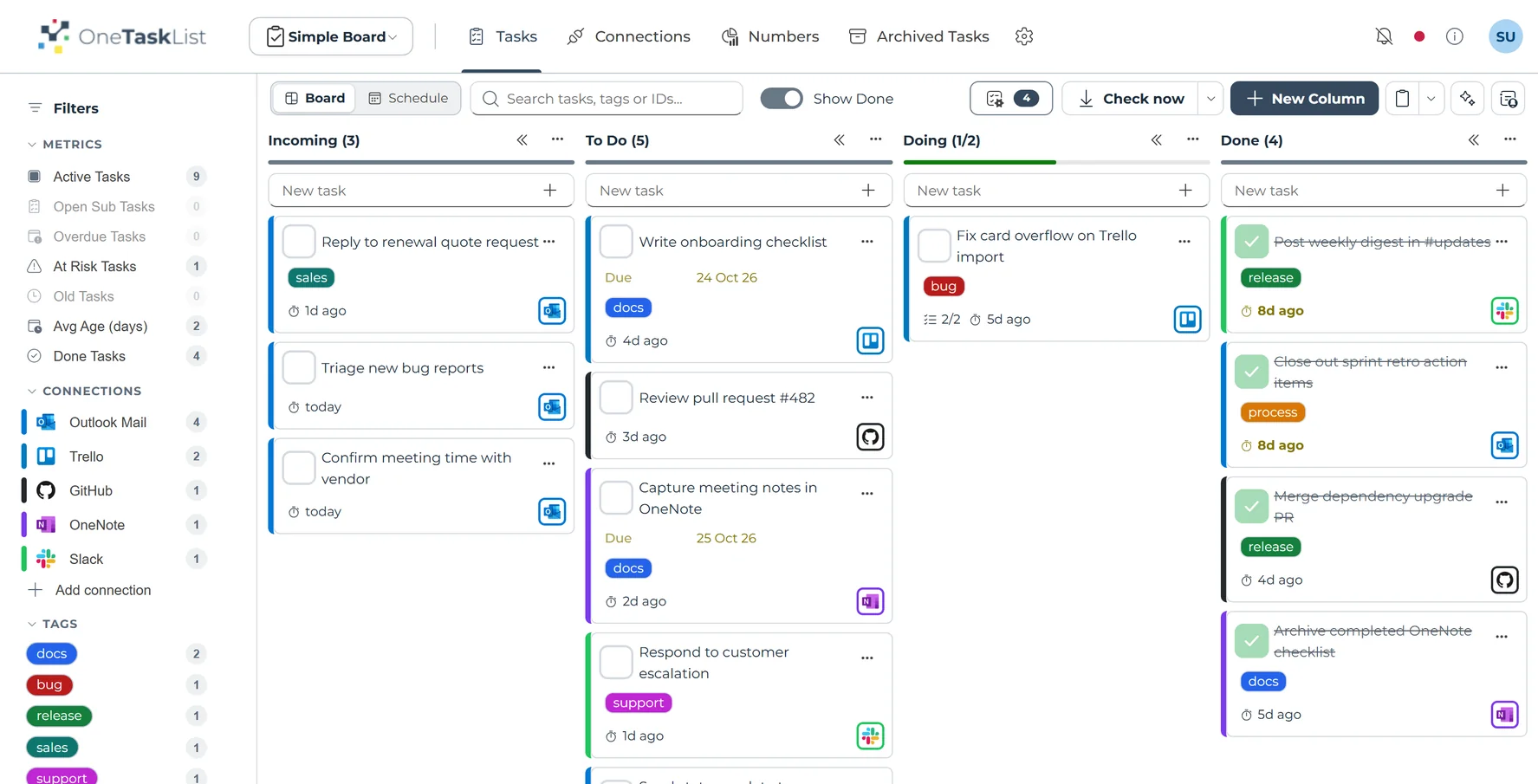
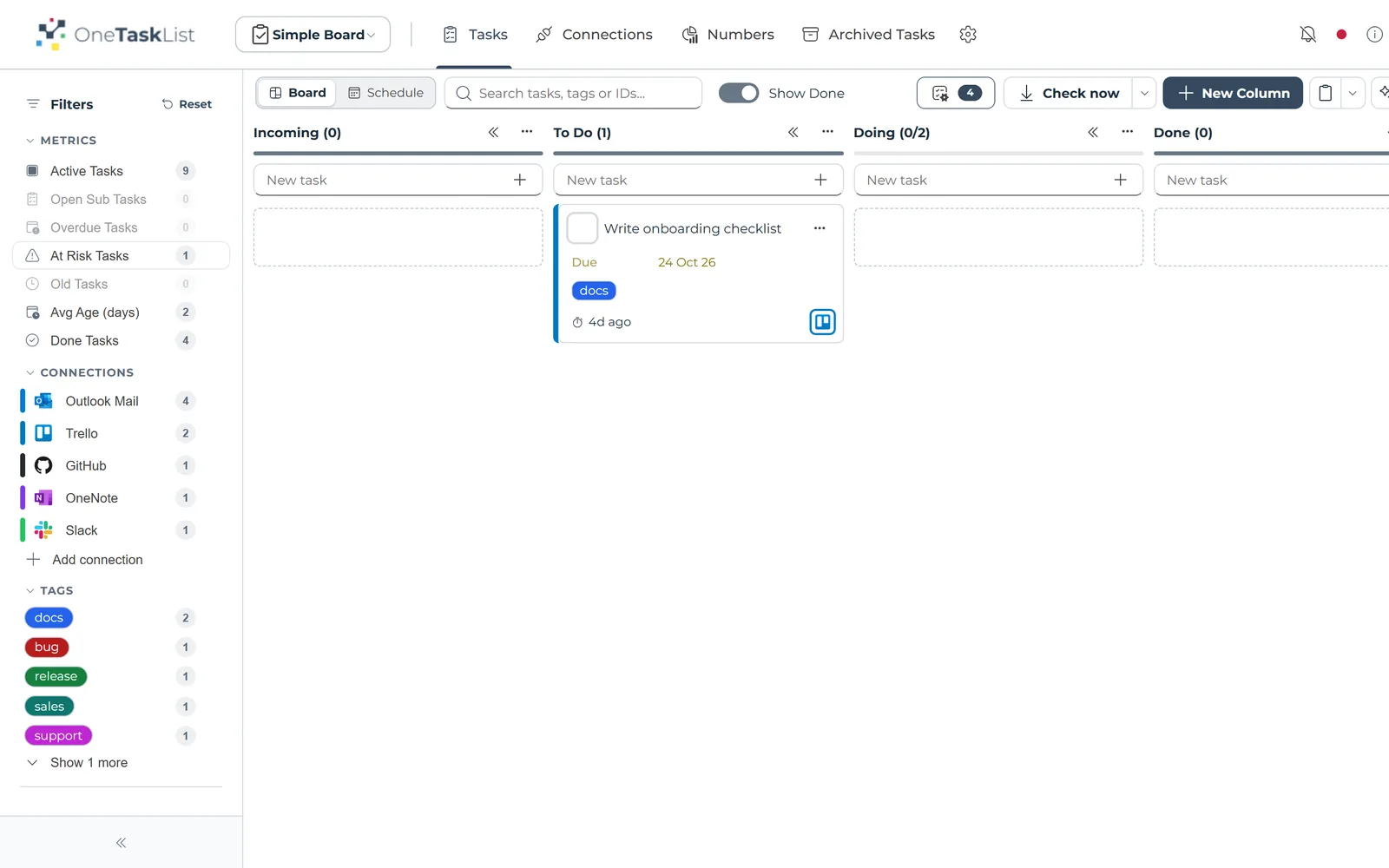
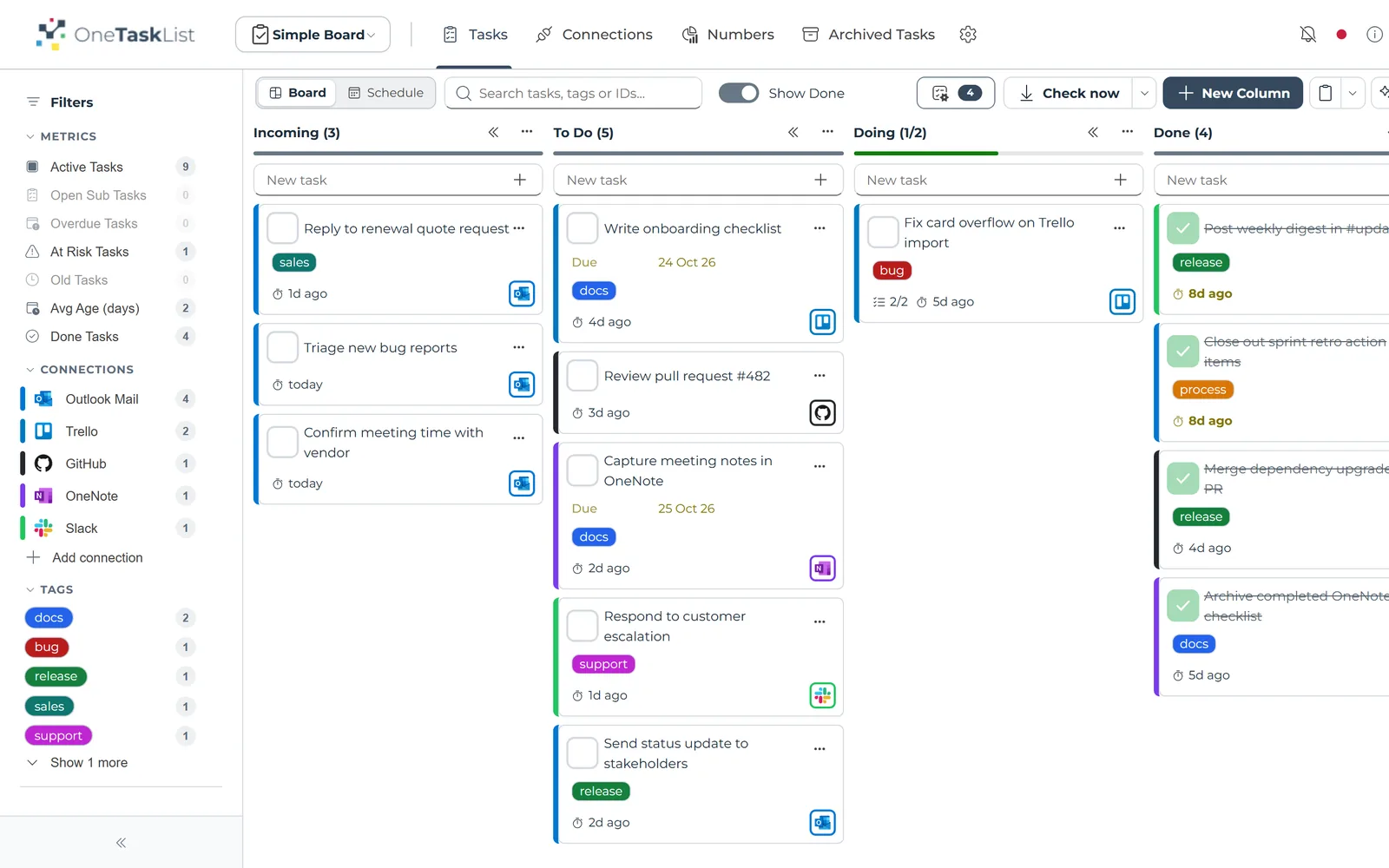
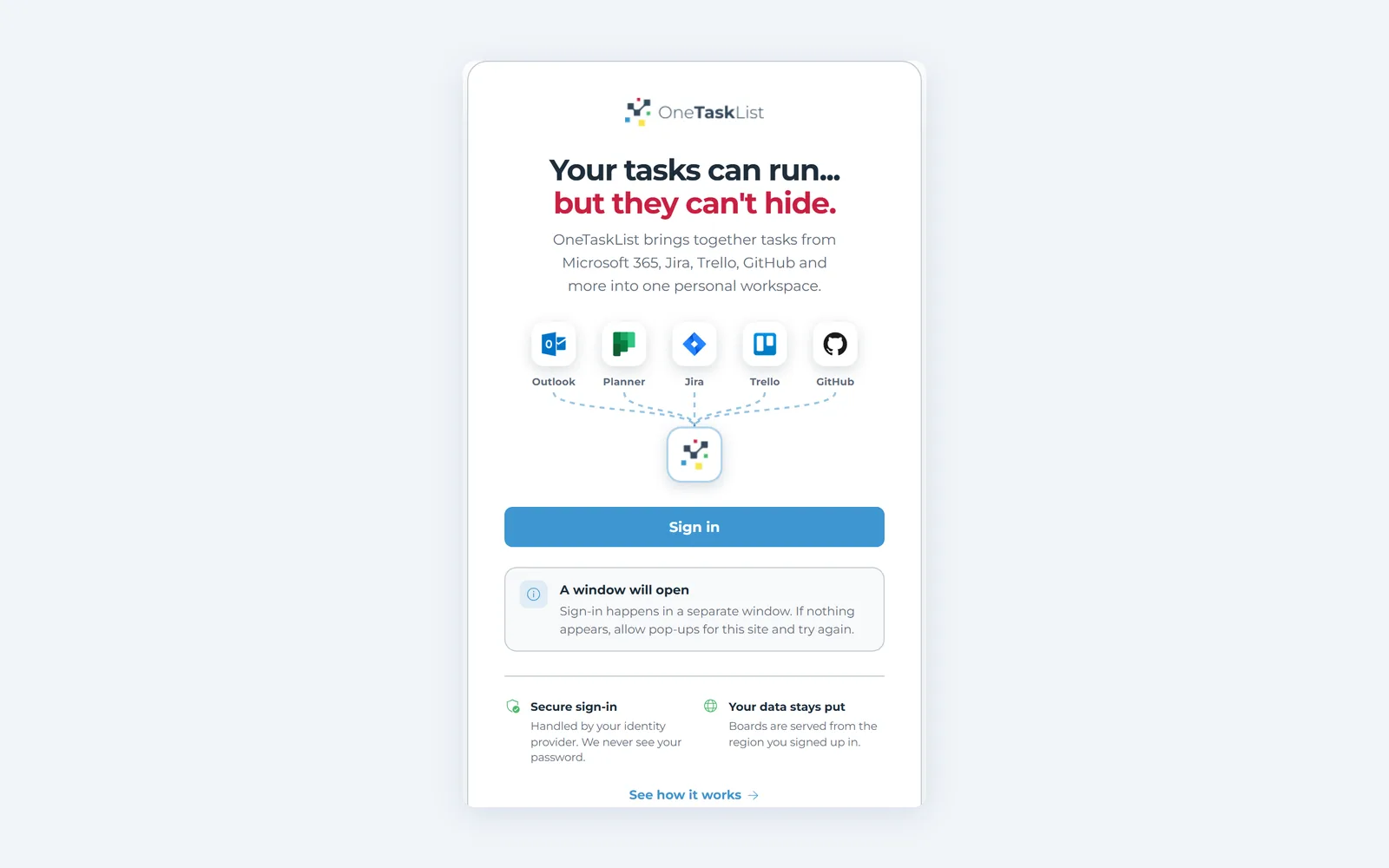
OneTaskList pulls every to-do into a single board so you can prioritise, focus and finish — then quietly updates the original system for you.


Don't see your tool? We add more all the time, and you can vote for the next one in the app.
How OneTaskList works
It doesn't replace your tools. It rounds them up.
OneTaskList imports links to your tasks based on your preferences, lets you add your own, and keeps every source in sync.
The journey of a task
Your tools
Tasks from everywhere
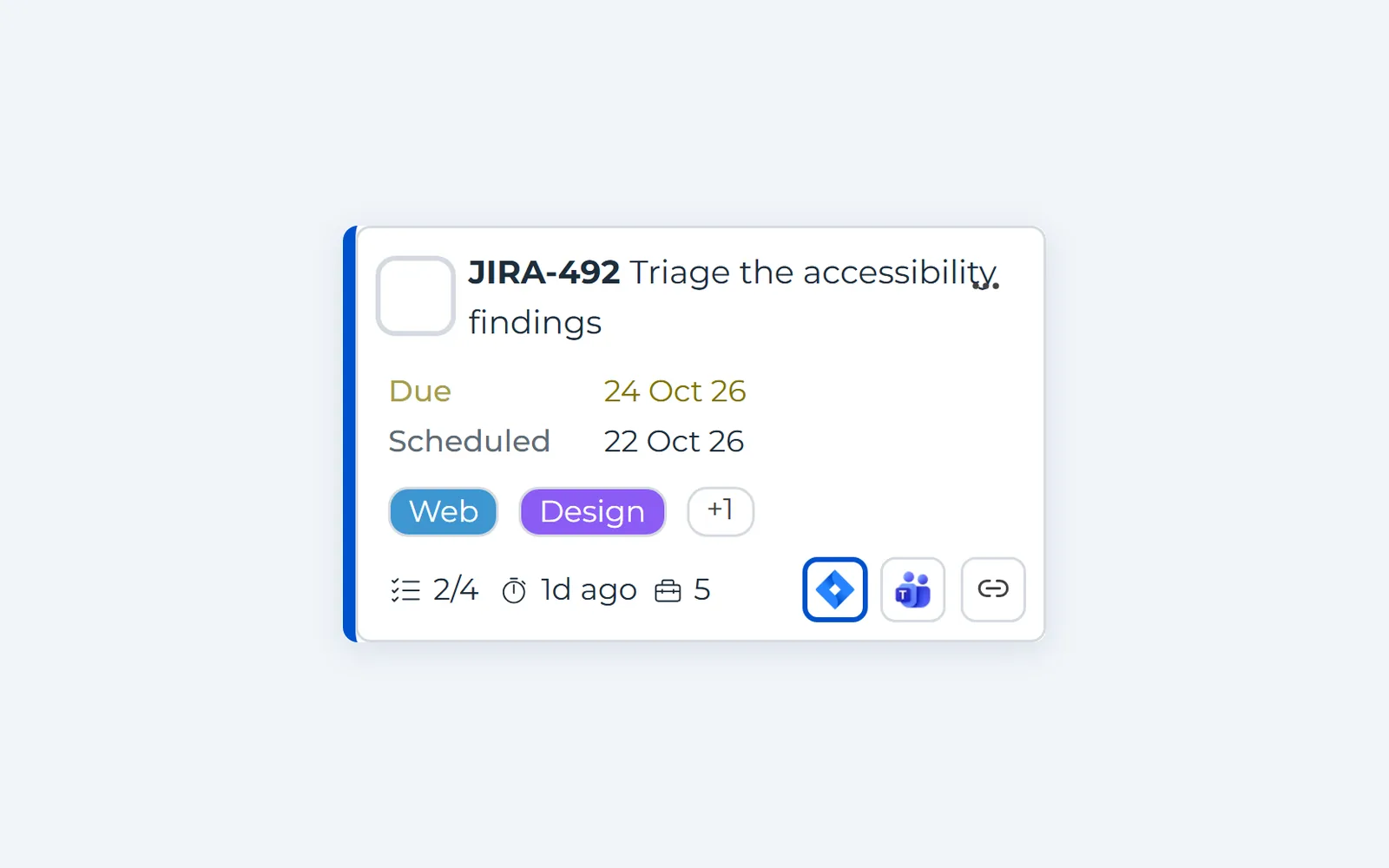
Email, Jira, Slack, Azure DevOps and more
In OneTaskList
- 1VisualiseEvery task on one board
- 2PrioritiseOrder what matters most
- 3FocusWork one list, your way
- 4DoneComplete it once
Your tools
Updated at the source
We sync the status back
Two-way synchronisation
Tasks stay where they live. We sync links onto one board, then push completed status back into the source system automatically.
Work your way
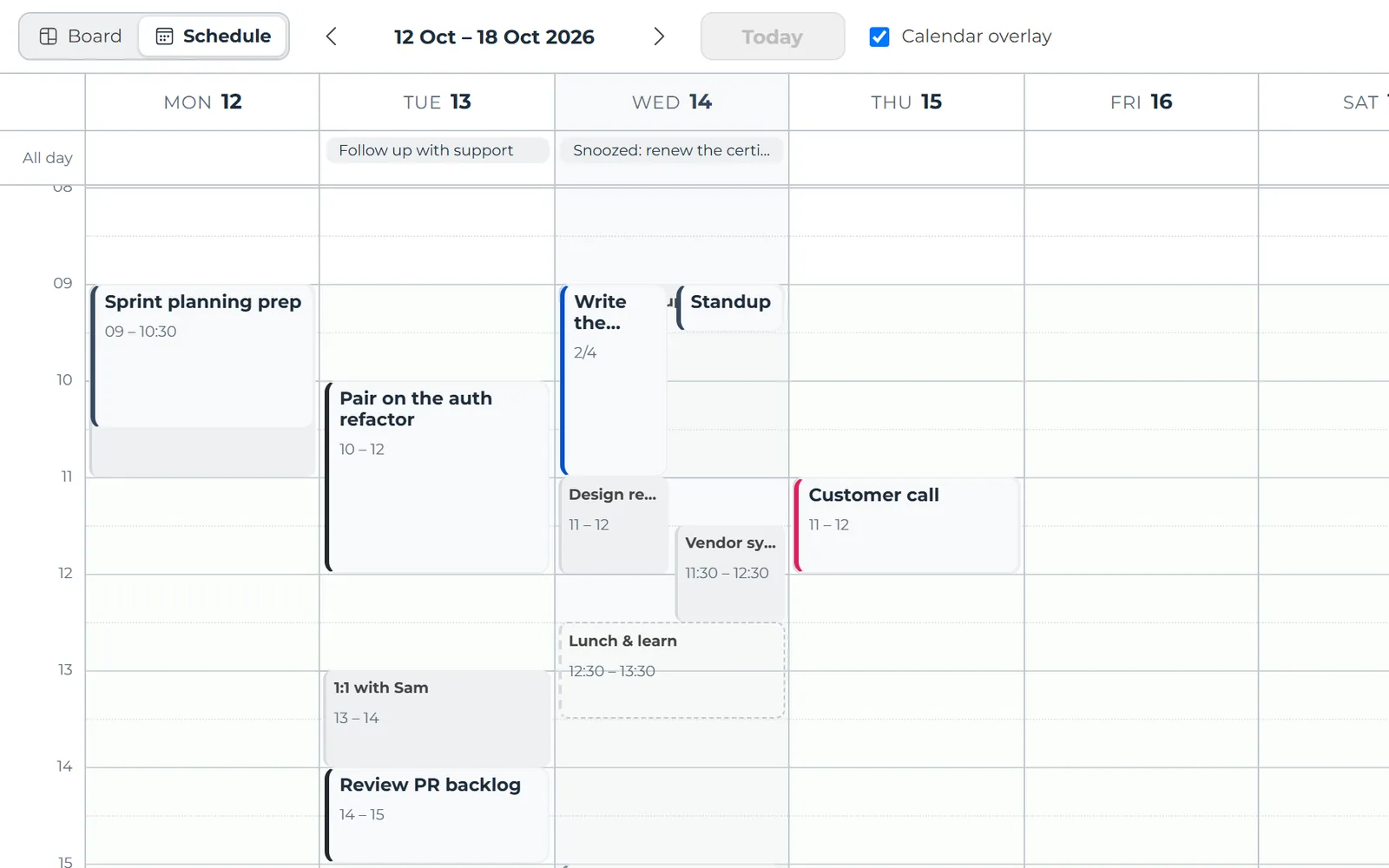
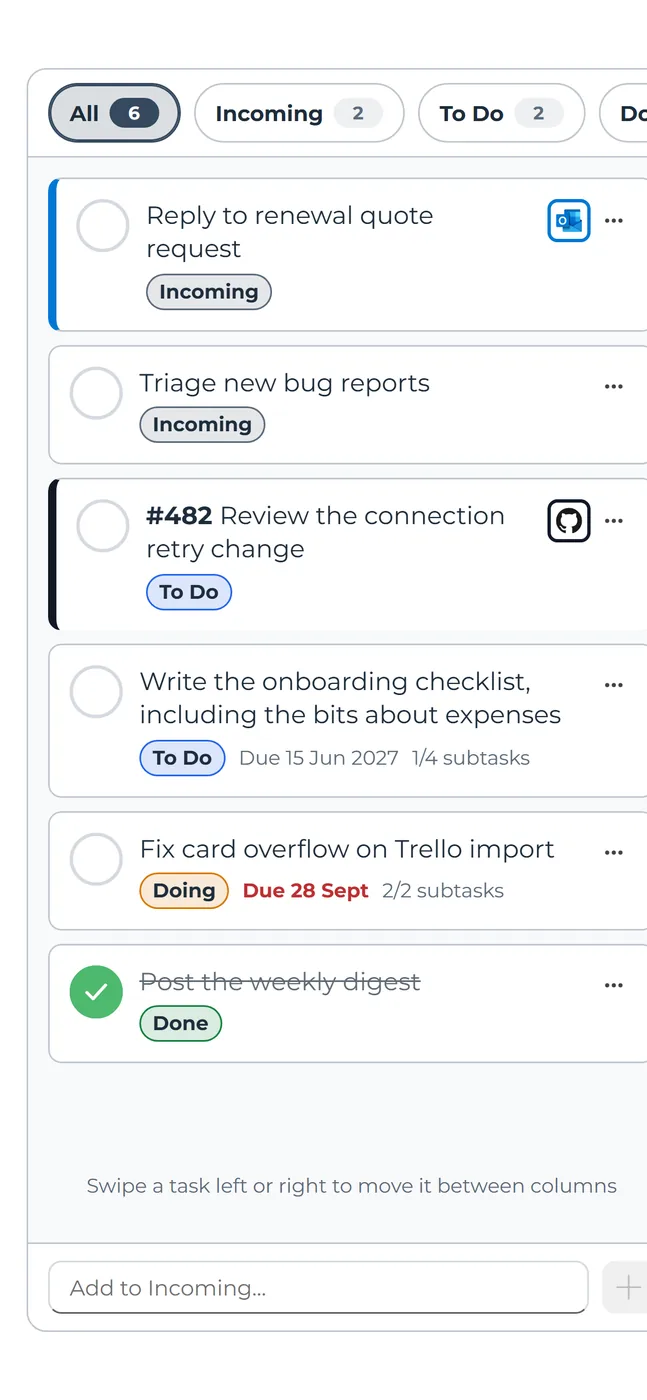
Import only what you need from each tool, name your own columns, and switch between the board and a week schedule. Filters and tags narrow it to what matters now.
Measure and learn
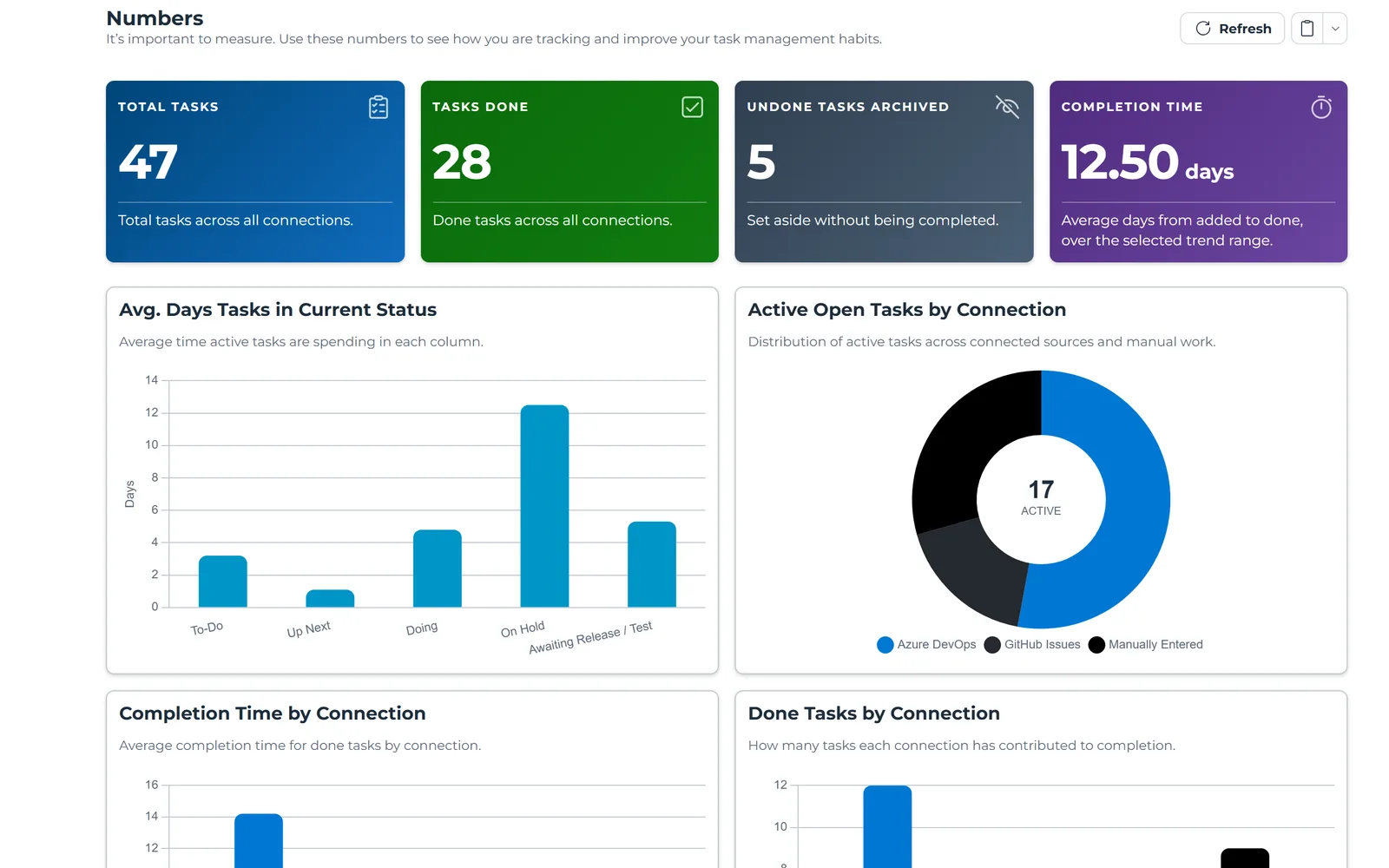
The Numbers page shows what is open, what you have completed, which tools eat your time and how long tasks really take, over any date range.
Features
AI assistant
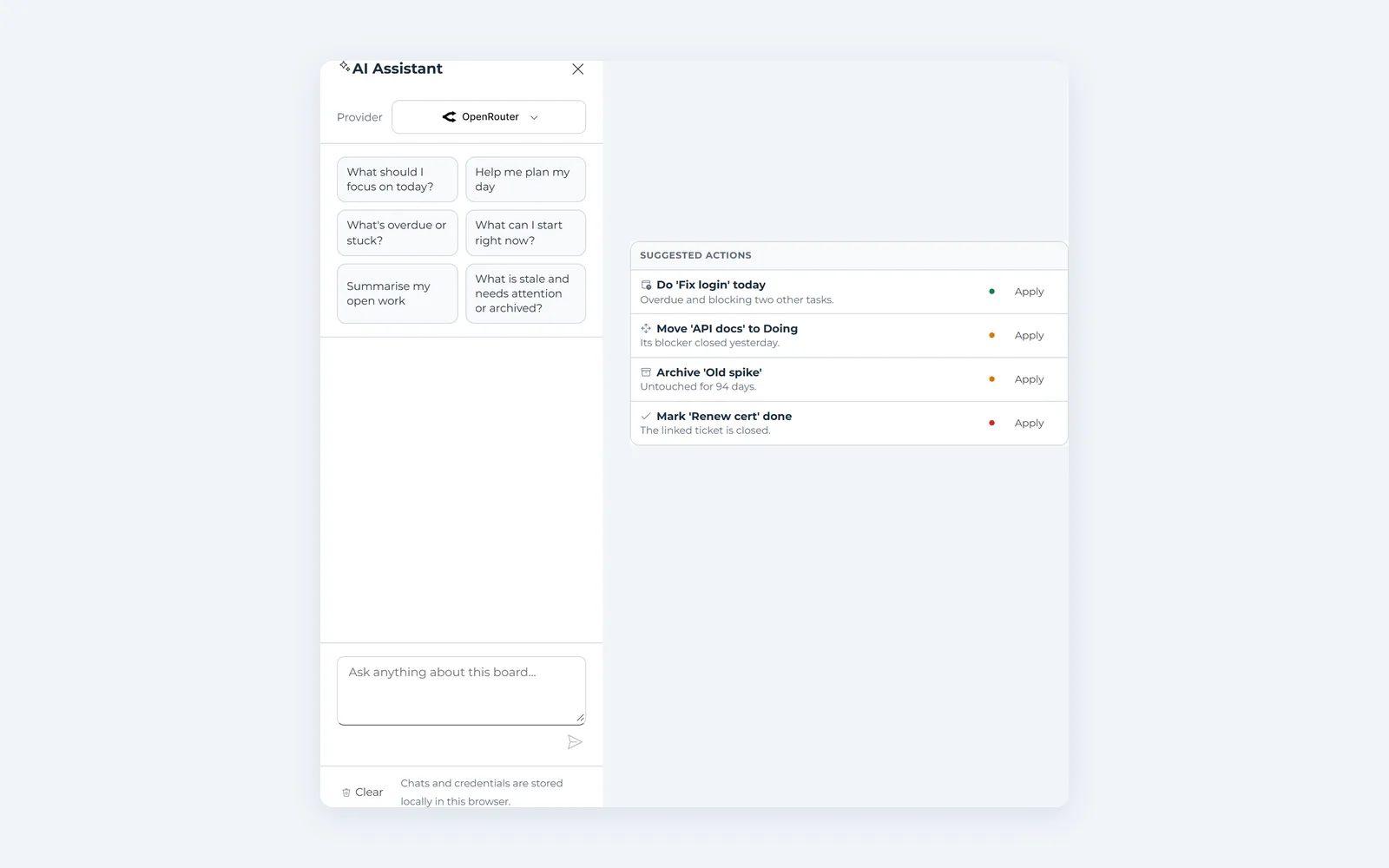
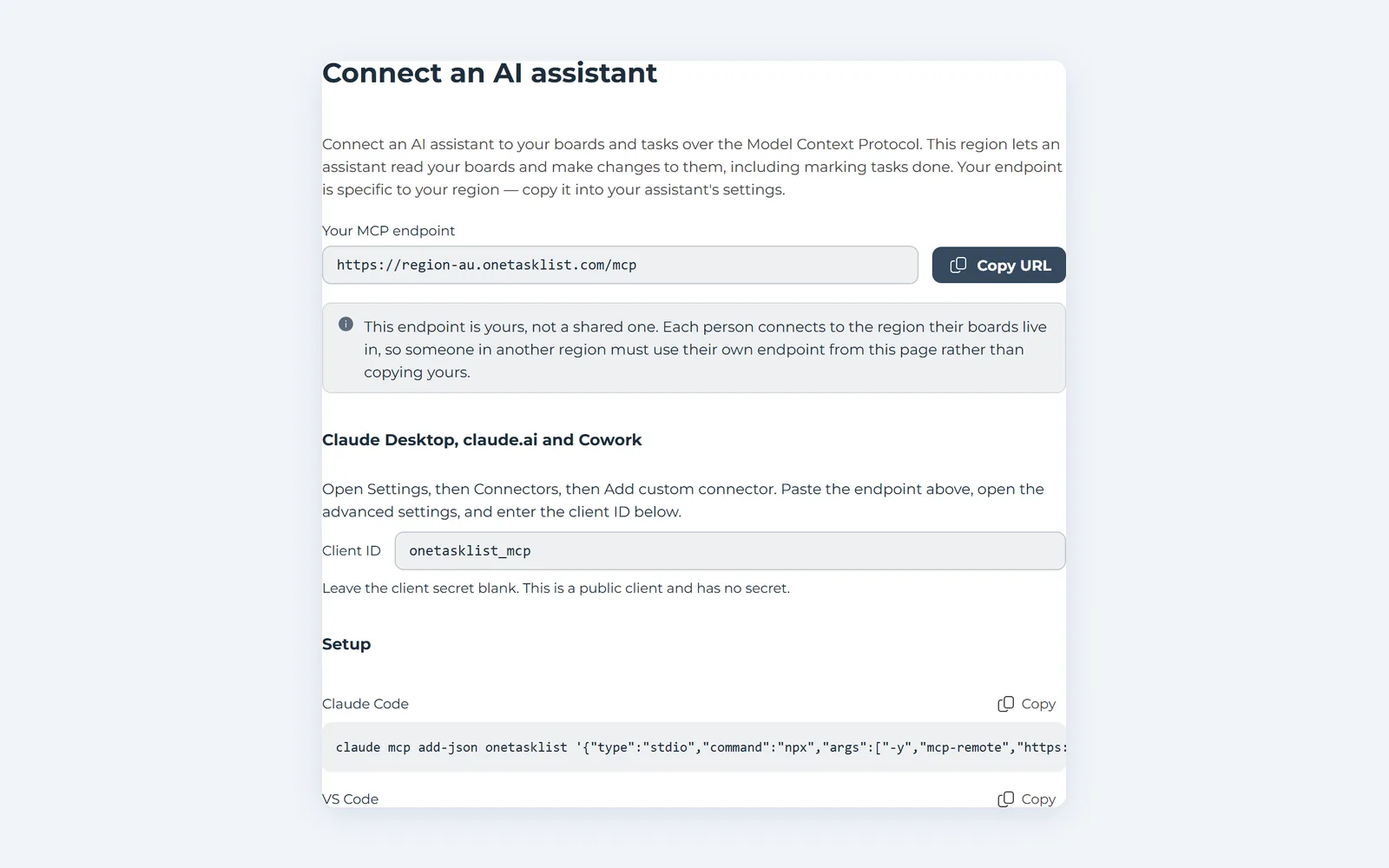
Ask what to focus on today, or have a task broken into steps. It suggests changes, and nothing happens until you choose Apply. Bring your own Claude, Microsoft 365 Copilot or OpenAI-compatible model.
In their words
We asked some users what they think
An automated, centralised to-do list that makes it easy to see everything in one view.
“Prior to adopting OneTaskList I would typically juggle multiple task lists making me prone to missing a deadline or forgetting a task. OneTaskList gives me an automated, centralised, todo list making it easy to see everything in one view. I'm also able to create custom workflows, independent of the integrations, which helps immensely in managing and prioritising my work. It's great being able to bring in emails I need to follow up on, alongside tasks assigned to me from tools like Jira.”



Security & data protection
Your data is important. We treat it that way.
We never ask for or store your passwords, and you stay in control of access permissions. We keep only what your board needs, and encrypt task content and connection tokens before they reach our database.
Read our security FAQsNo passwords
Each tool gives us permission to read your tasks, and you can take it back at any time. We never see your credentials.
Encrypted at rest
Task content and connection tokens are encrypted in our database, with keys protected by Azure Key Vault.
Do you have many tasks in multiple systems?
Unburden your brain with OneTaskList. Bring every task into one view, for free.